Track Your Project Milestones & System Support Requests in Real Time


From Scope Analysis & UI Design to Coding, QA & Deployment
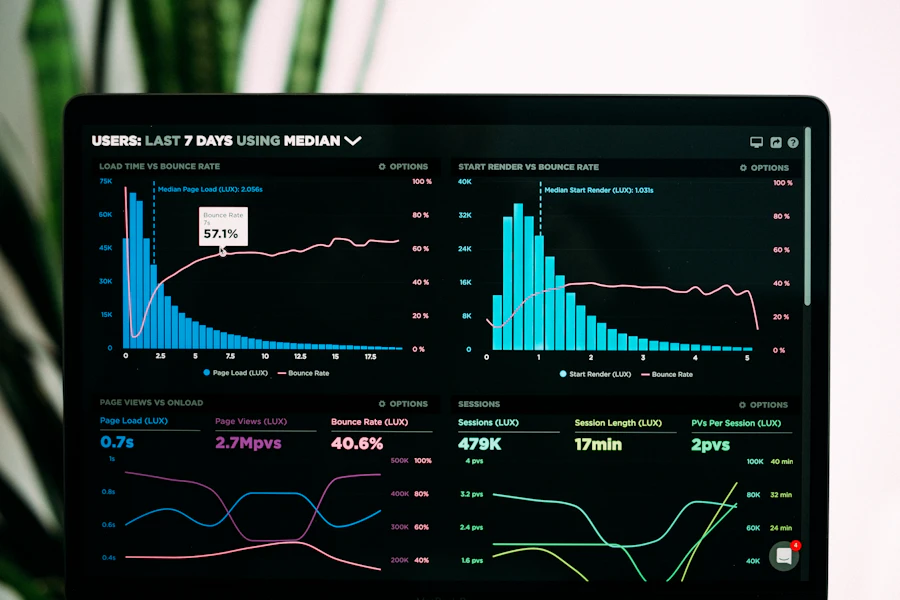
Our Partnership Continues Long After Project Delivery!
Create a Follow-up Ticket or Track Live Progress
Submit project follow-up requests, feature modifications, or technical support tickets and inspect the 4-stage visual progress timeline.
Your Official Ticket ID:
Click the button opposite to view the 4-stage progress timeline and post follow-up notes.Our Engineering Response Time Commitments
Every ticket is prioritized to ensure mission-critical systems and active projects receive immediate care.
1. Critical & Urgent Priority (Critical SLA)
Dedicated to mission-critical operational systems (ERP / POS / GPS Tracking), cloud servers, or payment gateways.
- Immediate Senior Systems Architect Intervention
- Direct Phone & WhatsApp Emergency Escalation
- Continuous Resolution Until 100% Restored
2. Medium Priority & Enhancements (Medium SLA)
For UI modifications, new custom accounting reports, mobile app updates, and e-commerce adjustments.
- Technical Scope Review & Delivery Schedule
- Full QA Testing Prior to Deployment
- Instant Client Notification Upon Completion
3. Routine Follow-up & Training (Routine SLA)
For tracking active project milestones, scheduling staff training sessions, and reviewing monthly marketing plans.
- Milestone Progress Reports & Live Demos
- Remote or On-Site Staff Onboarding
- Complete Ticket Thread Archiving
Frequently Asked Questions About Our Ticket System
1. How do I get a Follow-up Ticket ID for my project?
Simply submit the "Open New Follow-up Ticket" form above. The system immediately generates a unique reference code (e.g., YARA-2026-4821) that you can track anytime.
2. Can I request staff training on ERP, HR, or CRM systems through a ticket?
Yes! Select "Staff Training Request" as the ticket type, and our engineering team will schedule a dedicated remote or on-site training session for your team.
3. What if I have an urgent technical issue outside standard business hours?
Select "High & Urgent Priority" when submitting your ticket to trigger an instant WhatsApp escalation to our on-call engineering team (+962 7 9648 8483).